Smart Home Technology
Key Takeaways
- Smart home technology enhances convenience and efficiency.
- Integration of devices allows for seamless control and automation.
- Energy savings and increased security are significant benefits.
- Choose devices compatible with your existing home ecosystem.
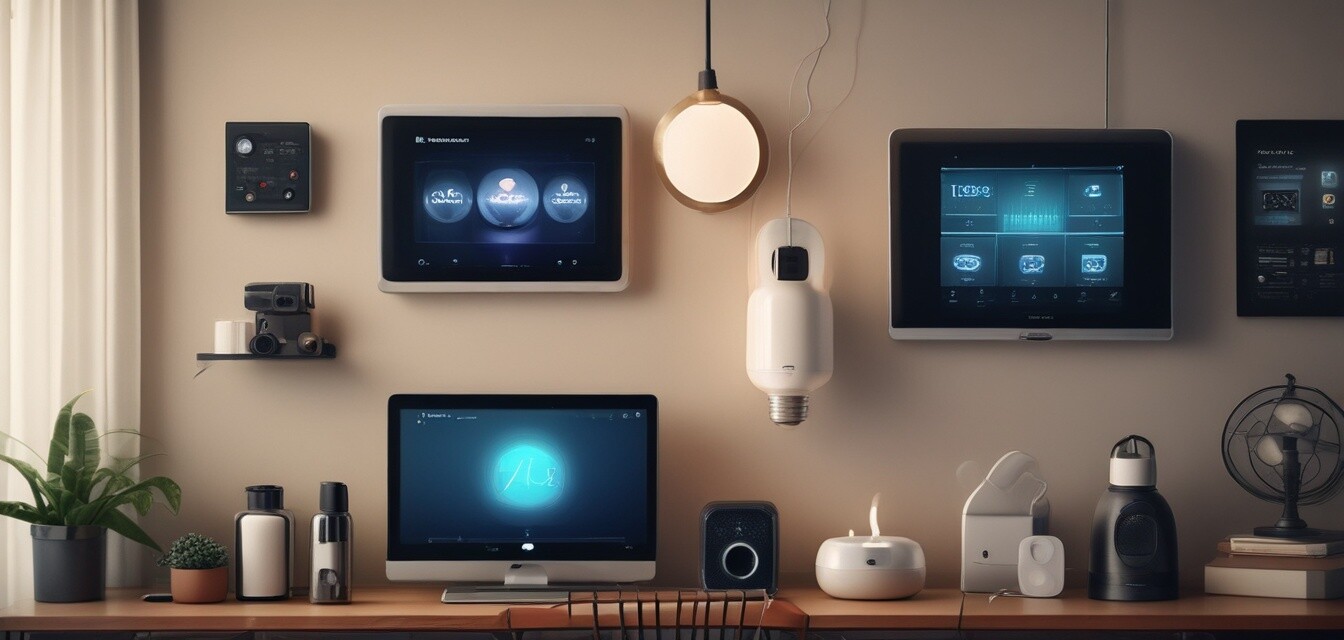
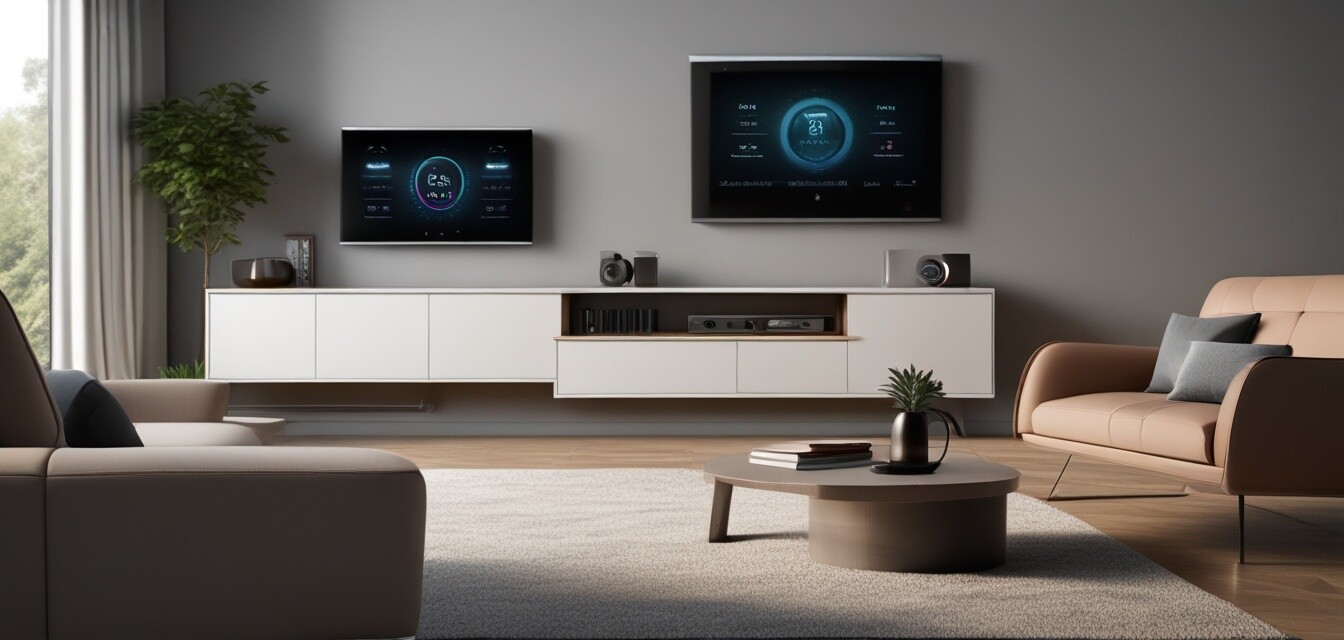
Stay ahead with the smartest gadgets and devices for a modern home. The world of smart home technology is rapidly evolving, transforming the way we interact with our living spaces. This article explores the various aspects of smart home technology, including the benefits, types of devices available, and tips for setting up your smart home system.
What is Smart Home Technology?
Smart home technology refers to a wide range of devices and systems that automate tasks typically performed by humans. These devices connect to the internet and can be controlled remotely via smartphones, tablets, or voice commands. From lighting and security systems to thermostats and appliances, smart home technology offers several features designed to improve convenience, efficiency, and security.
Benefits of Smart Home Technology
| Benefit | Description |
|---|---|
| Convenience | Control devices remotely and automate daily tasks. |
| Energy Efficiency | Optimize energy usage to save on utility bills. |
| Security | Enhance home security with smart cameras and alerts. |
| Customization | Create personalized settings for different scenarios. |
Types of Smart Home Devices
There are various types of smart home devices designed to enhance different aspects of your living environment. Below we explore some popular categories:
- Smart Lighting: Control brightness and colors remotely.
- Smart Thermostats: Manage heating and cooling efficiently.
- Smart Security Systems: Monitor your home with cameras and alarms.
- Smart Appliances: Connect refrigerators, ovens, and more for better functionality.
- Smart Speakers: Use voice commands to control other smart devices.
How to Set Up Your Smart Home
Setting up your smart home can be simple and straightforward. Follow these steps to create your smart home environment:
- Choose a central hub (e.g., smart speaker or dedicated hub).
- Select compatible devices based on your needs.
- Connect devices to your home Wi-Fi network.
- Install associated apps on your smartphone or tablet.
- Customize settings and automate routines.
Popular Smart Home Ecosystems
When considering smart home technology, it's essential to select devices that work well together. Some popular ecosystems include:
| Ecosystem | Compatible Devices | Key Features |
|---|---|---|
| Google Home | Smart speakers, thermostats, lights | Voice control, Routines, Google Assistant |
| Amazon Alexa | Smart plugs, lights, security cameras | Voice commands, Smart home skills, Alexa routines |
| Apple HomeKit | Thermostats, lights, cameras | Privacy features, Siri integration, Automation |
Tips for Beginners
Getting Started with Smart Home Technology
- Start with one or two devices to understand the technology.
- Research and choose devices that work within the same ecosystem.
- Keep your Wi-Fi network secure to protect your smart home.
- Regularly update device firmware for security and performance.
- Explore automation and routines to maximize efficiency.
Future of Smart Home Technology
The future of smart home technology is bright, with continuous advancements in artificial intelligence and machine learning. As devices become more intuitive, we can expect to see even greater levels of automation and integration, making our homes not only smarter but also more responsive to our needs.
Pros
- Enhanced convenience and time savings.
- Improved energy efficiency and cost savings.
- Increased home security and monitoring capabilities.
- Personalized settings for everyday tasks.
Cons
- Initial setup costs can be high.
- Compatibility issues between different brands.
- Potential privacy concerns with data collection.
- Reliance on internet connectivity for functionality.
Explore More
To dive deeper into specific categories of smart home technology, check out our related pages: